Vextel Full
A downloadable game for Windows, macOS, and Linux
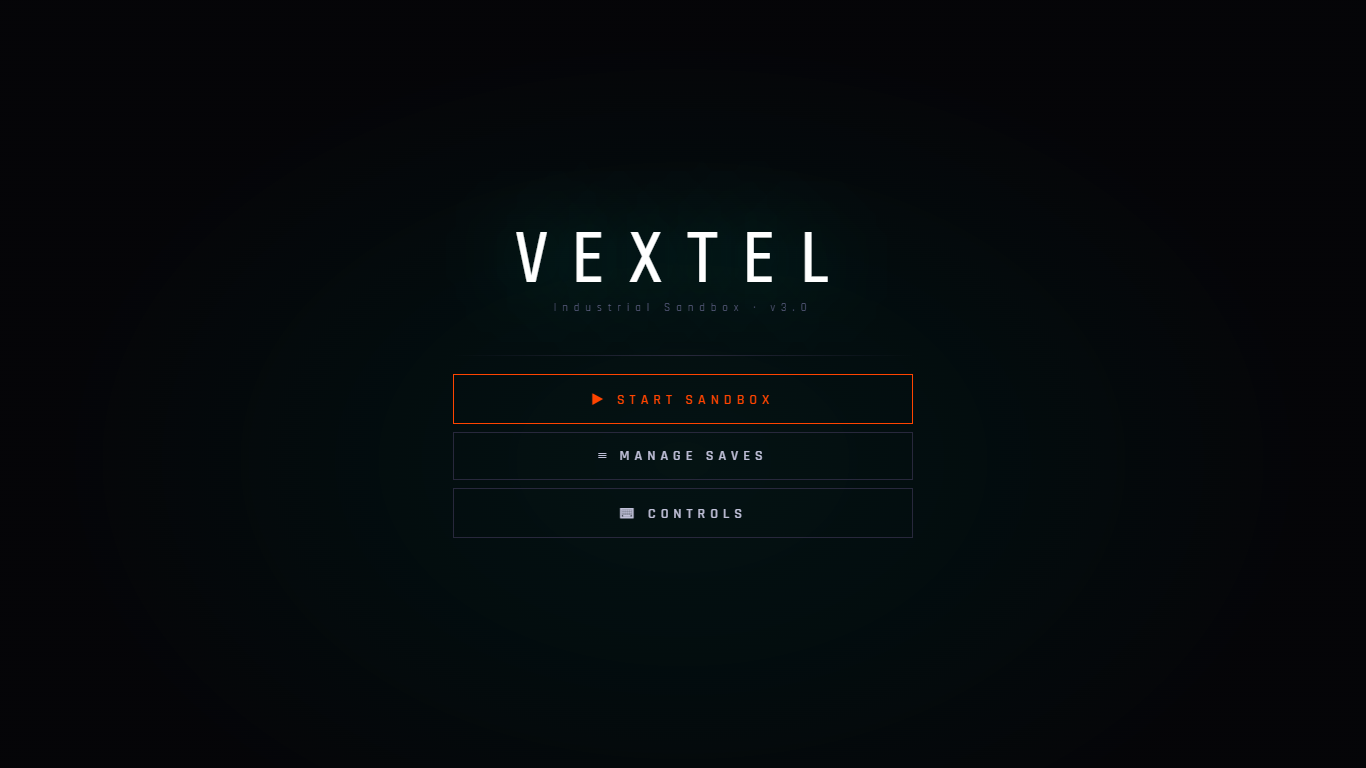
VEXTEL é uma engine de sandbox com temática industrial de alta performance, projetada para criadores que valorizam precisão e modularidade. Entre em um ambiente 3D desolado e de alta fidelidade, onde o único limite é a sua engenhosidade arquitetônica.
Recursos Principais
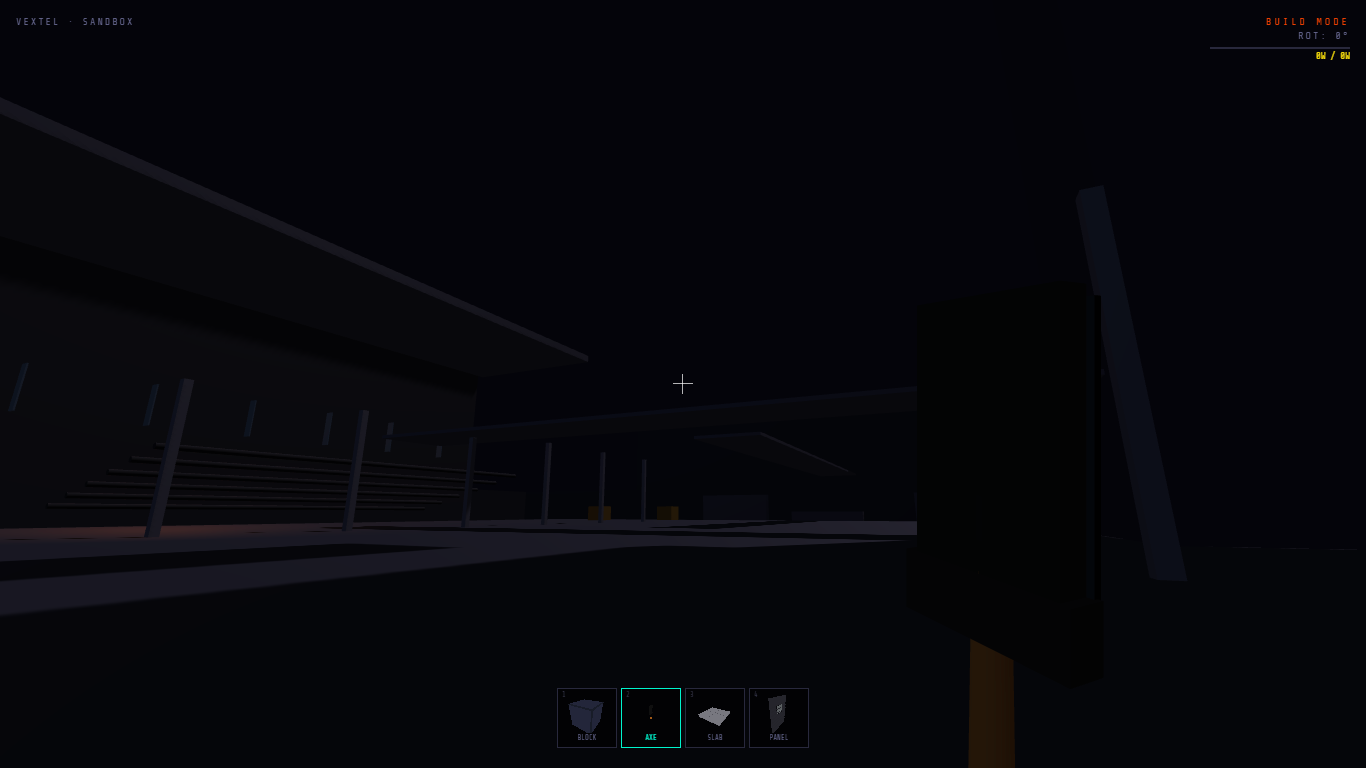
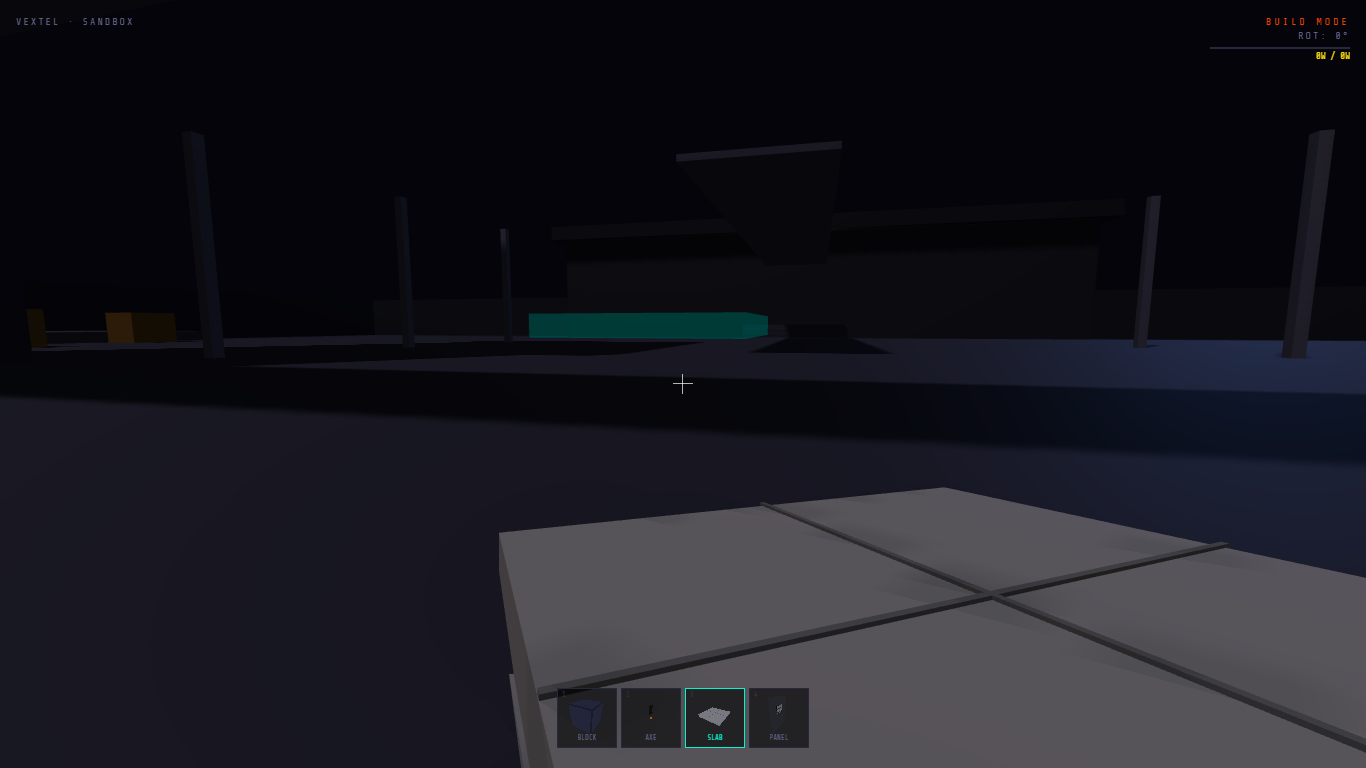
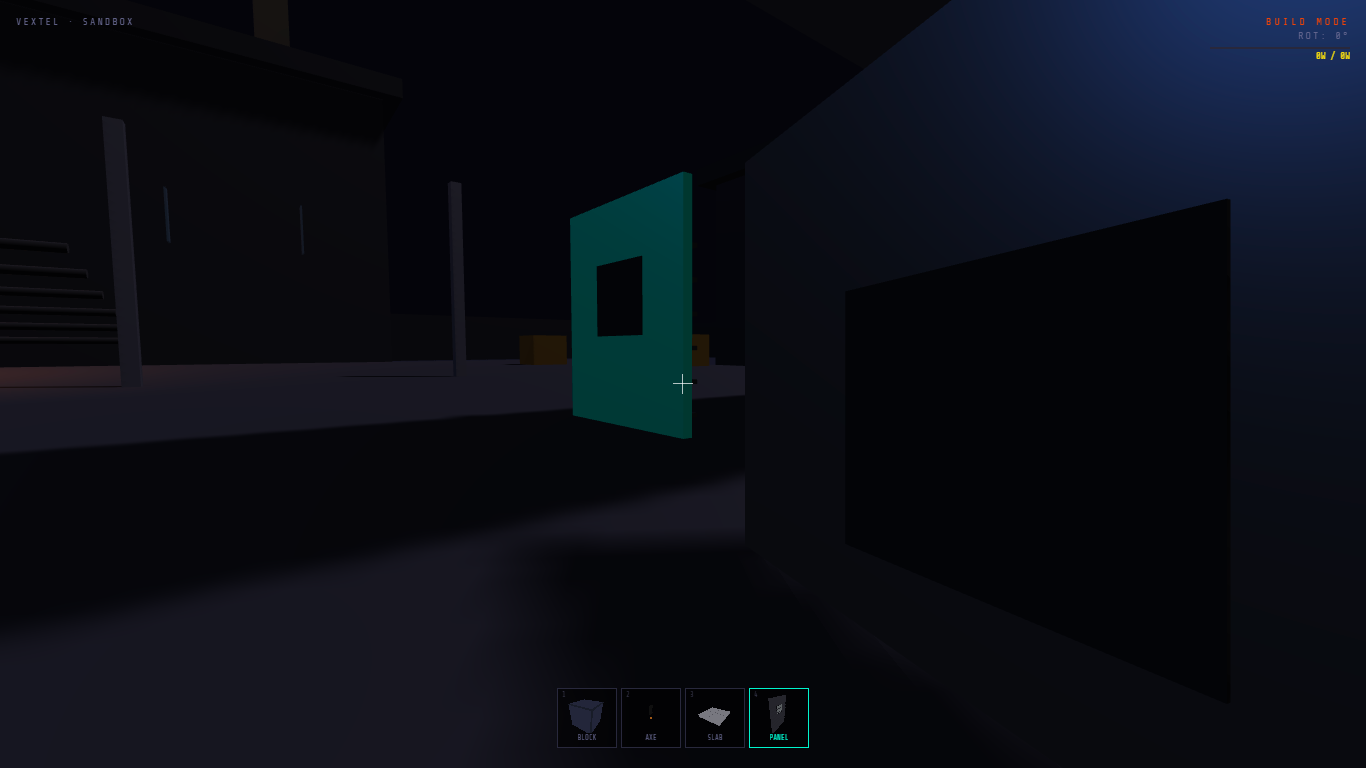
- Construção Modular Avançada: Utilize um sistema de grade (snapping) para alinhar painéis de aço e blocos industriais com precisão cirúrgica.
- Arsenal Tático: Teste armas, itens, blocos, placas e muito mais a sua liberdade.
- Liberdade 360°: Experimente imersão total com um sistema de câmera 6-DoF desacoplado, permitindo uma navegação suave e irrestrita pelas suas estruturas.
- Sistema de Inventário Integrado: Gerencie seu equipamento através de uma interface profissional com abas, apresentando prévias de itens em 3D em tempo real.
- Performance Otimizada: Construído em uma engine especializada para NW.js, garantindo uma experiência de desktop estável e leve.
A Visão
Esqueça as distrações neon. VEXTEL foca em uma estética crua e fundamentada — combinando texturas de metal pesado, concreto e engenharia funcional. Esteja você construindo um posto avançado fortificado ou testando balística em campo aberto, o Vextel fornece as ferramentas para uma experiência sandbox pura.
Construa. Teste. Expanda.
Download
Install instructions
1. System Requirements
- Environment: Compatible with NW.js (Chromium-based environments).
- Graphics: WebGL 2.0 compatible GPU.
- Input: Keyboard and Mouse (with Pointer Lock support).
2. Installation & Deployment
To ensure the VEXTEL engine initializes correctly, follow these steps:
- Download the official distribution package (
vextel_build.zip). - Extract the compressed folder. Ensure that
index.html,package.json, andicon.pngremain in the same root directory. - Launch via the
vextel.exe(or by dragging the folder into your NW.js binaries). - Permissions: Grant "File Access" if prompted by your firewall to allow local asset loading.
3. Engine Controls & Interface
The interface is designed for high-precision industrial construction.
| Action | Input |
| Locomotion | W A S D
|
| Precision Look | Mouse (360° Decoupled) |
| Primary Action | Left Click (Fire/Place)
|
| Systems Menu | Y Key (Inventory & Gear)
|
| Release Cursor | ESC (Pause/Menu)
|
4. Troubleshooting
- Canvas Scaling: If the resolution appears distorted, resize the window; the engine will auto-calculate the new aspect ratio based on the viewport.
- Input Lag: Ensure "Hardware Acceleration" is enabled in your system's GPU settings for optimal Three.js performance.
Development log
- v3.023 days ago
- A New Look for My Projects!51 days ago
Leave a comment
Log in with itch.io to leave a comment.