Vextel
A downloadable game for Windows, macOS, Linux, and Android
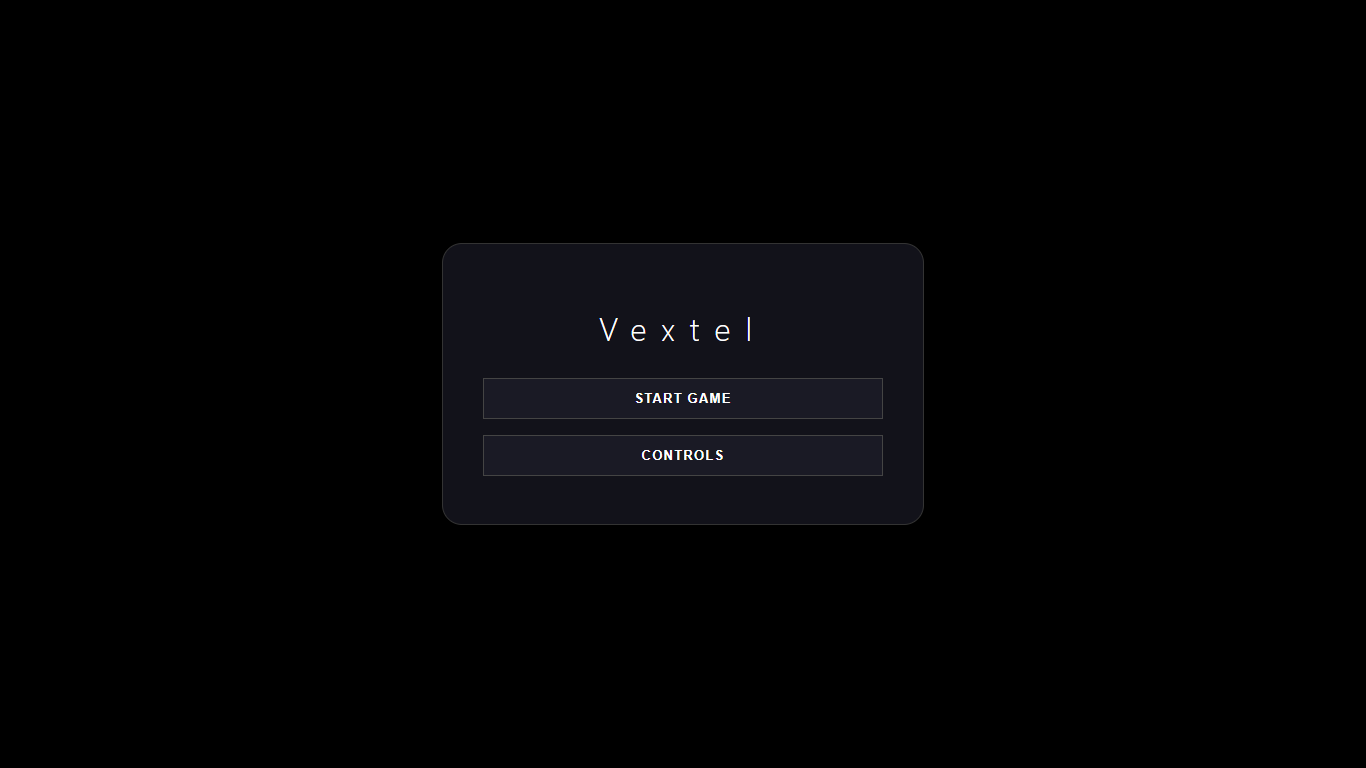
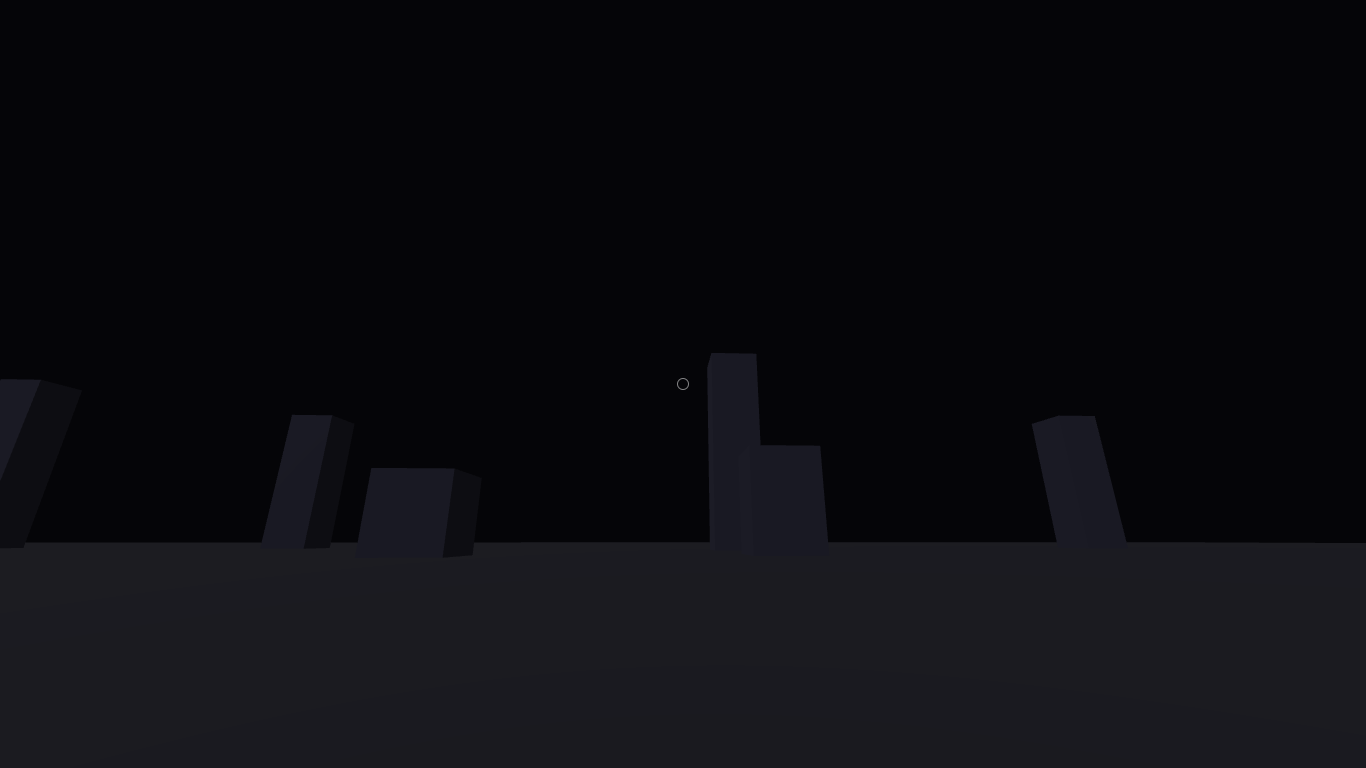
VEXTEL is a high-performance, industrial-themed sandbox engine designed for creators who value precision and modularity. Step into a desolate, high-fidelity 3D environment where the only limit is your architectural ingenuity.
Core Features
- Advanced Modular Building: Utilize a snapping grid system to align steel panels and industrial blocks with surgical precision.
- Tactical Arsenal: Test high-velocity plasma rifles and heavy melee weaponry with realistic physics-based projectile tracking.
- 360° Freedom: Experience total immersion with a decoupled 6-DoF camera system, allowing for smooth, unrestricted navigation through your structures.
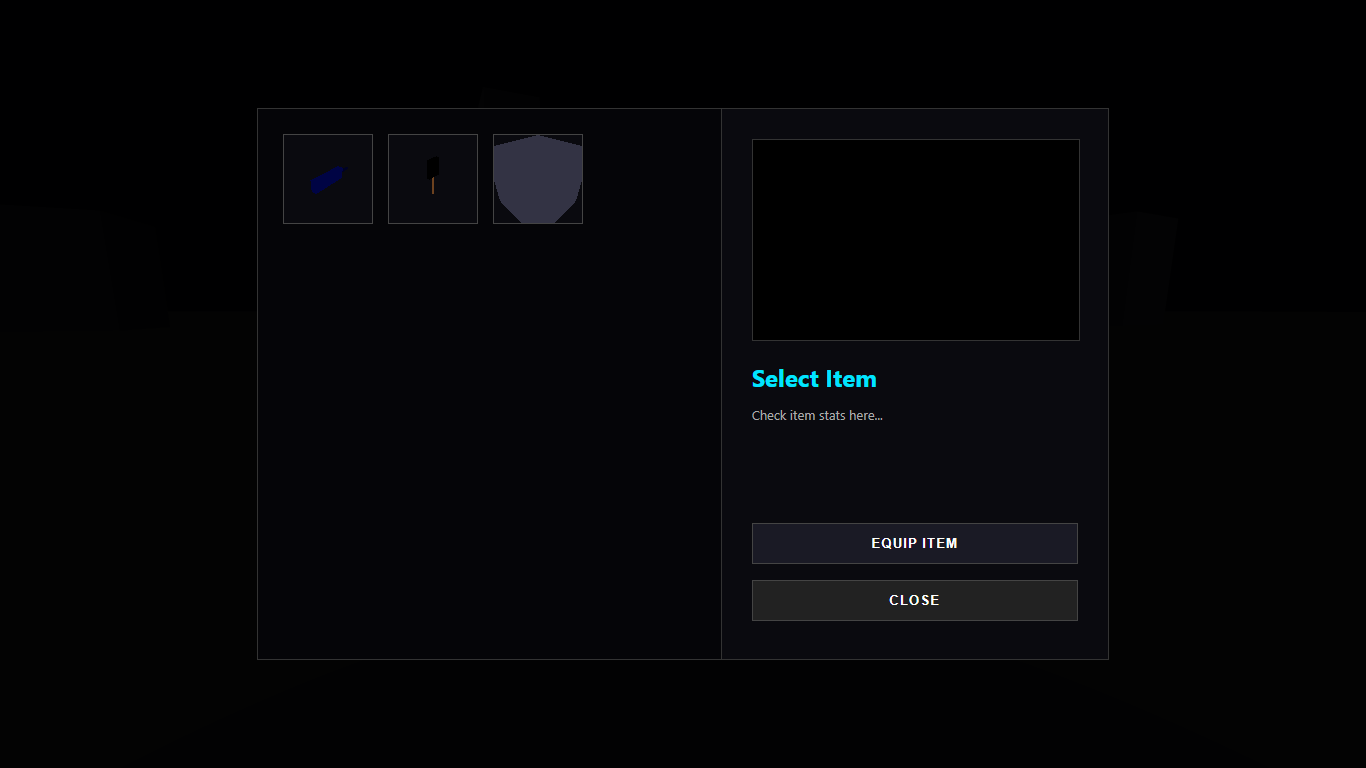
- Integrated Inventory System: Manage your gear through a professional, tabbed interface featuring real-time 3D item previews.
- Optimized Performance: Built on a specialized engine tailored for NW.js, ensuring a stable and lightweight desktop experience.
The Vision
Discard the neon distractions. VEXTEL focuses on a raw, grounded aesthetic—combining heavy metal textures, concrete, and functional engineering. Whether you are constructing a fortified outpost or testing ballistics in an open field, Vextel provides the tools for a pure sandbox experience.
Build. Test. Expand.
Download
Install instructions
1. System Requirements
- Environment: Compatible with NW.js (Chromium-based environments).
- Graphics: WebGL 2.0 compatible GPU.
- Input: Keyboard and Mouse (with Pointer Lock support).
2. Installation & Deployment
To ensure the VEXTEL engine initializes correctly, follow these steps:
- Download the official distribution package (
vextel_build.zip). - Extract the compressed folder. Ensure that
index.html,package.json, andicon.pngremain in the same root directory. - Launch via the
vextel.exe(or by dragging the folder into your NW.js binaries). - Permissions: Grant "File Access" if prompted by your firewall to allow local asset loading.
3. Engine Controls & Interface
The interface is designed for high-precision industrial construction.
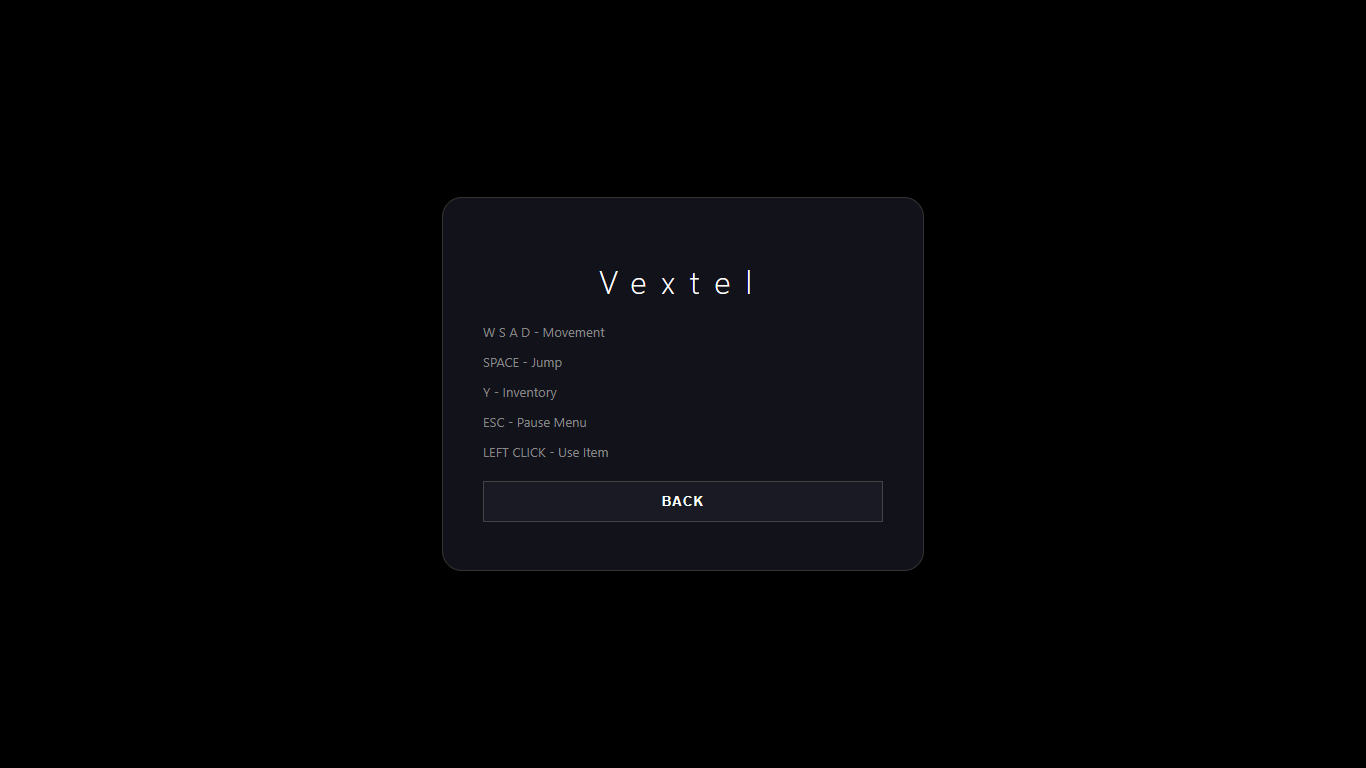
| Action | Input |
| Locomotion | W A S D
|
| Precision Look | Mouse (360° Decoupled) |
| Primary Action | Left Click (Fire/Place)
|
| Systems Menu | Y Key (Inventory & Gear)
|
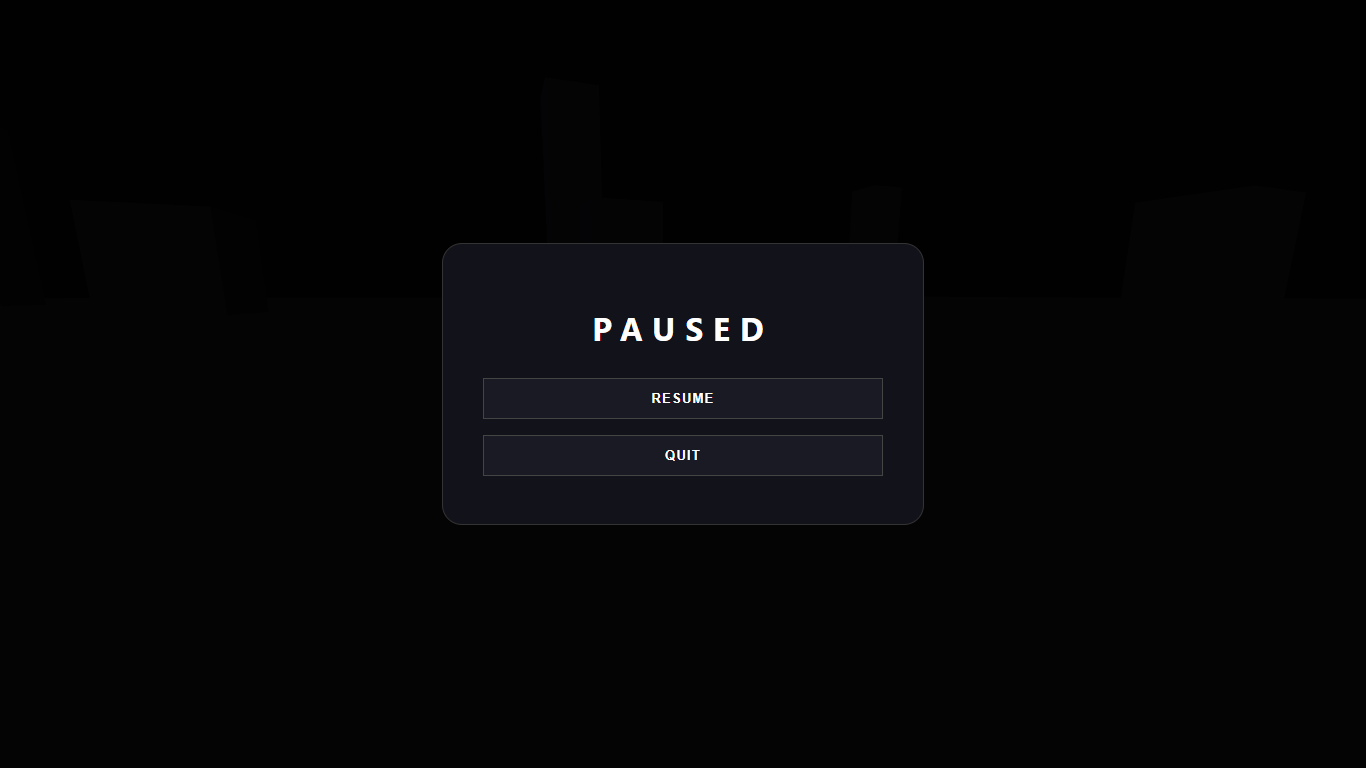
| Release Cursor | ESC (Pause/Menu)
|
4. Troubleshooting
- Canvas Scaling: If the resolution appears distorted, resize the window; the engine will auto-calculate the new aspect ratio based on the viewport.
- Input Lag: Ensure "Hardware Acceleration" is enabled in your system's GPU settings for optimal Three.js performance.
Development log
- A New Look for My Projects!1 day ago
Leave a comment
Log in with itch.io to leave a comment.